If you run a WordPress website, you’ve probably logged into your dashboard and seen notifications telling you that WordPress, a plugin, or your theme needs an update. It’s tempting to ignore those notices when your website seems to be working fine.
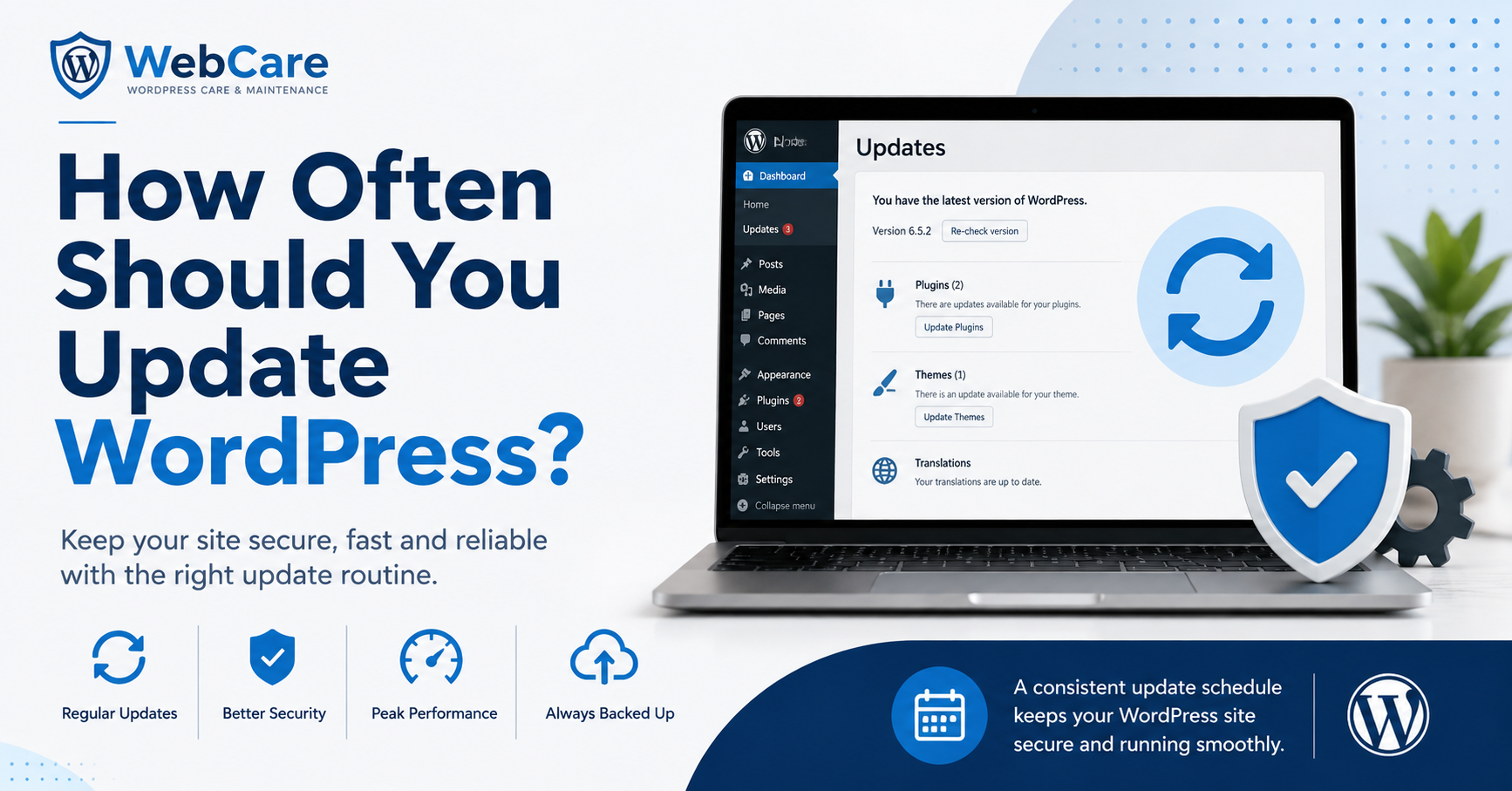
But how often should you update WordPress? For most websites, you should check for WordPress core, plugin, and theme updates at least once a week. Important security updates may need to be installed sooner.
The key isn’t simply updating everything as quickly as possible. A good WordPress maintenance routine includes checking your site, creating a current backup, applying updates carefully, and verifying that everything still works afterward.
Why WordPress Updates Matter
WordPress websites are made up of several moving parts. There’s WordPress itself, your theme, and the plugins that add features to your site. Developers regularly release updates for all three.
Those updates can include:
- Security fixes
- Bug fixes
- Performance improvements
- Compatibility improvements
- New or improved features
Keeping these components current helps your website remain secure, stable, and compatible with the rest of the WordPress ecosystem.
How Often Should You Update WordPress Core?
If you’re wondering how often should you update WordPress, a good rule for most small-business websites is to check for updates at least once a week. WordPress core updates should be reviewed regularly and stable releases installed in a timely manner.
Security releases deserve particular attention because they can address vulnerabilities discovered in WordPress itself. You can also review the official WordPress documentation for information about keeping WordPress updated.
Before performing a significant WordPress core update, make sure you have a recent backup and a way to restore the website if something goes wrong.
How Often Should You Update WordPress Plugins?
Plugins should also be reviewed at least weekly. Plugins add tremendous functionality to WordPress, but outdated or abandoned plugins can also become a security and compatibility concern.
An available update doesn’t necessarily mean you should click Update All without looking first.
A safer process is to:
- Make sure a current website backup exists.
- Review the available updates.
- Apply the updates.
- Check important pages and website functions afterward.
If your website has forms, payment processing, memberships, booking systems, or other important functionality, those features should be tested after relevant updates.
What About WordPress Theme Updates?
Your active WordPress theme should be kept current as well. Theme updates can contain security patches, bug fixes, compatibility changes, and improvements for newer versions of WordPress.
However, there’s an important consideration if someone has modified your theme files directly. Updating the theme could overwrite those changes.
That’s one reason properly configured WordPress sites generally use a child theme or another safe method for customizations rather than modifying the parent theme directly.
Should You Turn On Automatic Updates?
Automatic updates can be useful, especially for straightforward websites, but they aren’t a replacement for website maintenance.
The problem is simple: an update can install successfully while still causing a problem somewhere on the website.
For example, an updated plugin might conflict with another plugin, affect the appearance of a page, or interfere with a contact form.
If automatic updates are enabled, the website should still be monitored and backed up so problems can be detected and corrected quickly.
What Happens If You Don’t Update WordPress?
Ignoring updates for months can create unnecessary risk.
An outdated WordPress website may eventually experience:
- Known security vulnerabilities
- Plugin and theme compatibility problems
- Broken website features
- Performance issues
- Problems when a large number of overdue updates are finally installed at once
The longer maintenance is postponed, the more difficult it can become to safely bring the website completely up to date.
A Better WordPress Update Routine
So, how often should you update WordPress? For most small-business websites, a weekly maintenance check is a good starting point, with important security updates handled sooner when necessary. A good routine looks something like this:
- Monitor the website regularly for uptime, security, and maintenance issues.
- Check for updates at least weekly.
- Maintain reliable off-site backups before making significant changes.
- Apply WordPress, plugin, and theme updates in a controlled manner.
- Check the website afterward to make sure important pages and features still work.
- Watch for security vulnerabilities that may require quicker attention.
That’s the difference between simply clicking an update button and actually taking care of a WordPress website. If you’d like to understand what ongoing website care involves beyond updates, read our guide to WordPress maintenance.
Not Sure Whether Your WordPress Website Needs Attention?
You don’t have to guess.
WebCare’s free website audit can check your WordPress website for several common maintenance and security concerns and give you a clearer picture of areas that may need attention.
It only takes a few minutes to get started, and there’s no obligation.

Leave a Reply