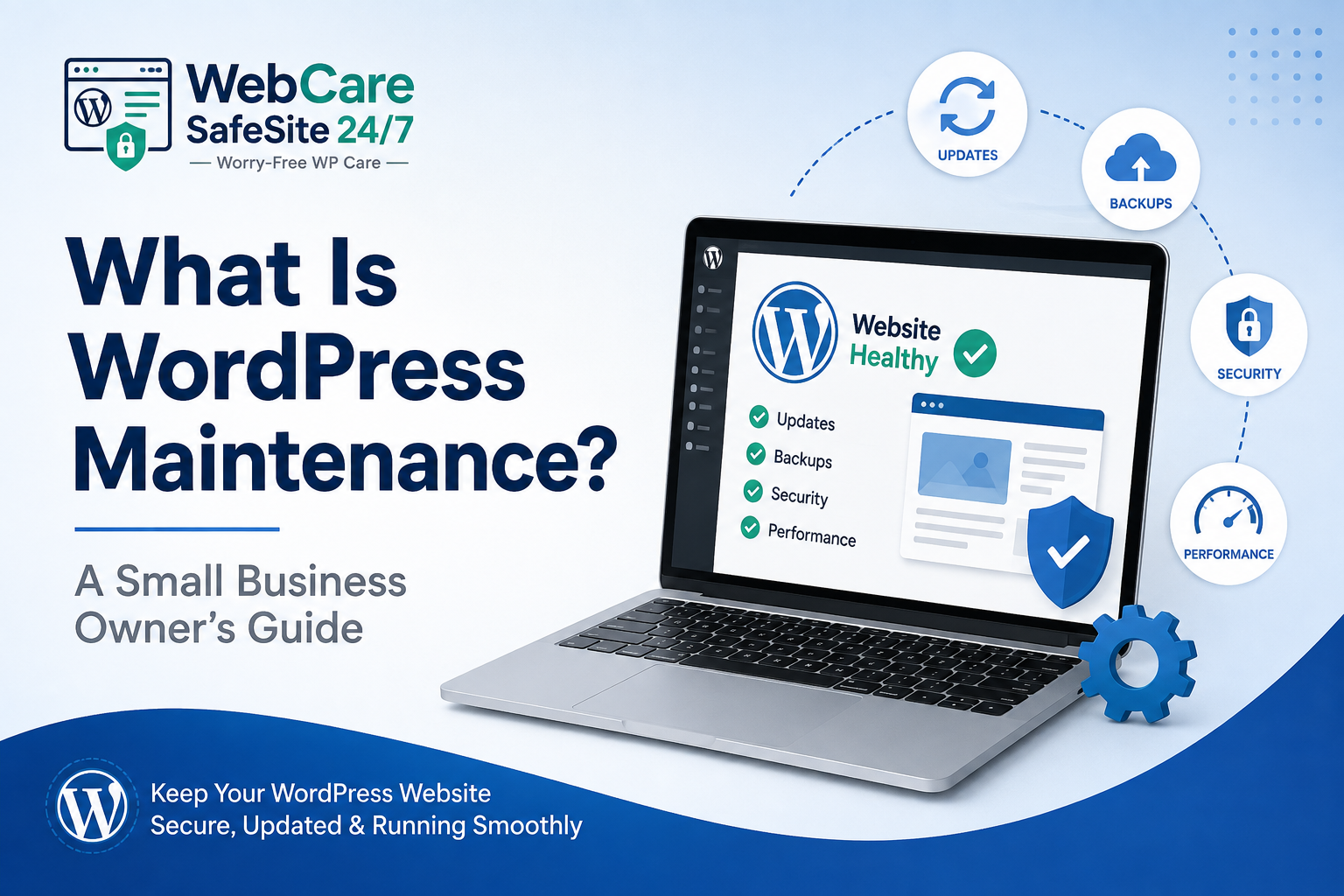
Your WordPress website may look finished, but the software behind it never really is. WordPress itself, themes and plugins are continually updated, security threats change, backups need to be verified, and small technical problems can develop without being obvious to a website owner.
That’s why WordPress maintenance matters. Regular website care helps keep your site secure, backed up, updated, fast and available to the people who depend on it.
Why Does a WordPress Website Need Maintenance?
A WordPress website isn’t a static brochure sitting untouched on the internet. It’s a working collection of software.
The WordPress core provides the foundation. Your theme controls much of the design. Plugins add functionality such as forms, SEO tools, security features, caching, e-commerce and countless other capabilities.
All of those components can change over time.
Developers release updates to fix bugs, add features, improve compatibility and patch security vulnerabilities. At the same time, hosting environments change and attackers continually look for weaknesses they can exploit.
Without regular maintenance, a website can slowly accumulate problems even when everything appears normal on the surface.
What Does WordPress Maintenance Include?
Good WordPress website maintenance is more than occasionally clicking an Update button. It involves several layers of protection and monitoring working together.
1. WordPress Core, Theme and Plugin Updates
Keeping WordPress software current is one of the most important maintenance tasks. Updates frequently contain security fixes as well as compatibility and performance improvements.
Updates should still be handled carefully. A plugin or theme update can occasionally conflict with another part of the website. That’s one reason having a reliable backup before important changes is so valuable.
2. Reliable Website Backups
Backups are the safety net for your website.
If an update fails, a site is compromised, files become corrupted or something is accidentally deleted, a recent working backup can make the difference between a manageable problem and rebuilding a website from scratch.
Ideally, backups should be stored away from the website itself. If the only backup is stored on the same server as the site, a serious hosting or server problem could affect both.
3. Security and Vulnerability Monitoring
WordPress powers a huge number of websites, which also makes vulnerable WordPress installations attractive targets for automated attacks.
Maintenance should include watching for known vulnerabilities in plugins, themes and WordPress itself, along with reviewing important security settings.
The goal isn’t to make dramatic claims that a website can never be hacked. No responsible provider can promise that. The goal is to reduce unnecessary risk and respond quickly when something needs attention. If you’re concerned about a possible security problem, our guide on how to know if WordPress is hacked explains the warning signs to look for.
4. Uptime Monitoring
If your website goes offline at 2:00 a.m., would anyone know?
Uptime monitoring checks the site automatically and can alert someone when it stops responding. That can shorten the amount of time a problem goes unnoticed.
5. Performance and Site-Health Checks
Websites can gradually slow down because of plugin changes, oversized files, database growth, hosting issues or configuration problems.
Regular performance and site-health checks help identify warning signs before they seriously affect visitors or customers.
A Practical WordPress Maintenance Checklist
While every website is different, a sensible maintenance routine normally includes the following:
- Keep WordPress core updated.
- Keep themes and plugins updated.
- Maintain dependable off-site backups.
- Verify that backups are completing successfully.
- Monitor the website for downtime.
- Watch for known WordPress, theme and plugin vulnerabilities.
- Review important website security settings.
- Check website performance and site health.
- Test important forms and website functions periodically.
- Remove abandoned or unnecessary plugins and themes.
How Often Should WordPress Maintenance Be Done?
There isn’t one schedule that’s right for every website.
A small informational website and a busy e-commerce store don’t have the same level of risk or activity.
Monitoring tasks such as uptime and vulnerability checks are most useful when they happen continuously or very frequently. Backups may need to run daily or even multiple times per day on websites where content, orders or customer information changes frequently.
Updates should be reviewed regularly rather than ignored for months at a time.
What Happens If You Don’t Maintain WordPress?
Sometimes nothing happens immediately, which is exactly why website maintenance is easy to postpone.
But neglected websites can eventually experience:
- Outdated plugins or themes with known vulnerabilities
- Broken functionality after incompatible changes
- Failed or missing backups
- Slow website performance
- Unexpected downtime
- Spam or malicious activity
- Problems that become harder and more expensive to repair
Preventive care is usually easier than emergency recovery.
Can You Maintain a WordPress Website Yourself?
Absolutely. Many small-business owners maintain their own WordPress websites, particularly when the site is simple and they are comfortable handling technical tasks.
The real question is whether you want to be the person responsible for remembering the updates, checking the backups, watching security notices, monitoring downtime and troubleshooting problems when something goes wrong.
For some owners, that makes perfect sense. For others, their time is better spent running their business.
DIY WordPress maintenance may be right for you if:
- You are comfortable working inside WordPress.
- You understand backups and how to restore a site.
- You regularly review updates and security notices.
- You have time to monitor the website consistently.
- You are comfortable troubleshooting when an update causes a problem.
What Does Professional WordPress Maintenance Cost?
WordPress maintenance pricing varies widely because the amount of work and responsibility varies widely.
A basic informational site generally requires less care than an online store, membership website or business-critical site that changes throughout the day.
When comparing WordPress maintenance services, don’t look at price alone. Look at what is actually being monitored and managed.
Ask whether the service includes backups, update management, uptime monitoring, vulnerability monitoring, security review and performance monitoring — and whether anyone actually responds when something needs attention.
You can see the different levels of care available through WebCare website care plans.
WordPress Maintenance Is Really About Prevention
The best website problem is the one that gets caught before your customers ever notice it.
Regular WordPress maintenance can’t guarantee that nothing will ever go wrong. What it can do is dramatically improve the odds that your website is backed up, monitored, current and being watched by someone who knows when something deserves attention.
For a small business owner, that’s the real value of website care: fewer surprises and less time worrying about what’s happening behind the scenes.
How Healthy Is Your WordPress Website?
Start with a free Website Care Audit. We’ll check your website for important maintenance, security and site-health concerns and show you what deserves attention.
Run My Free Website Audit