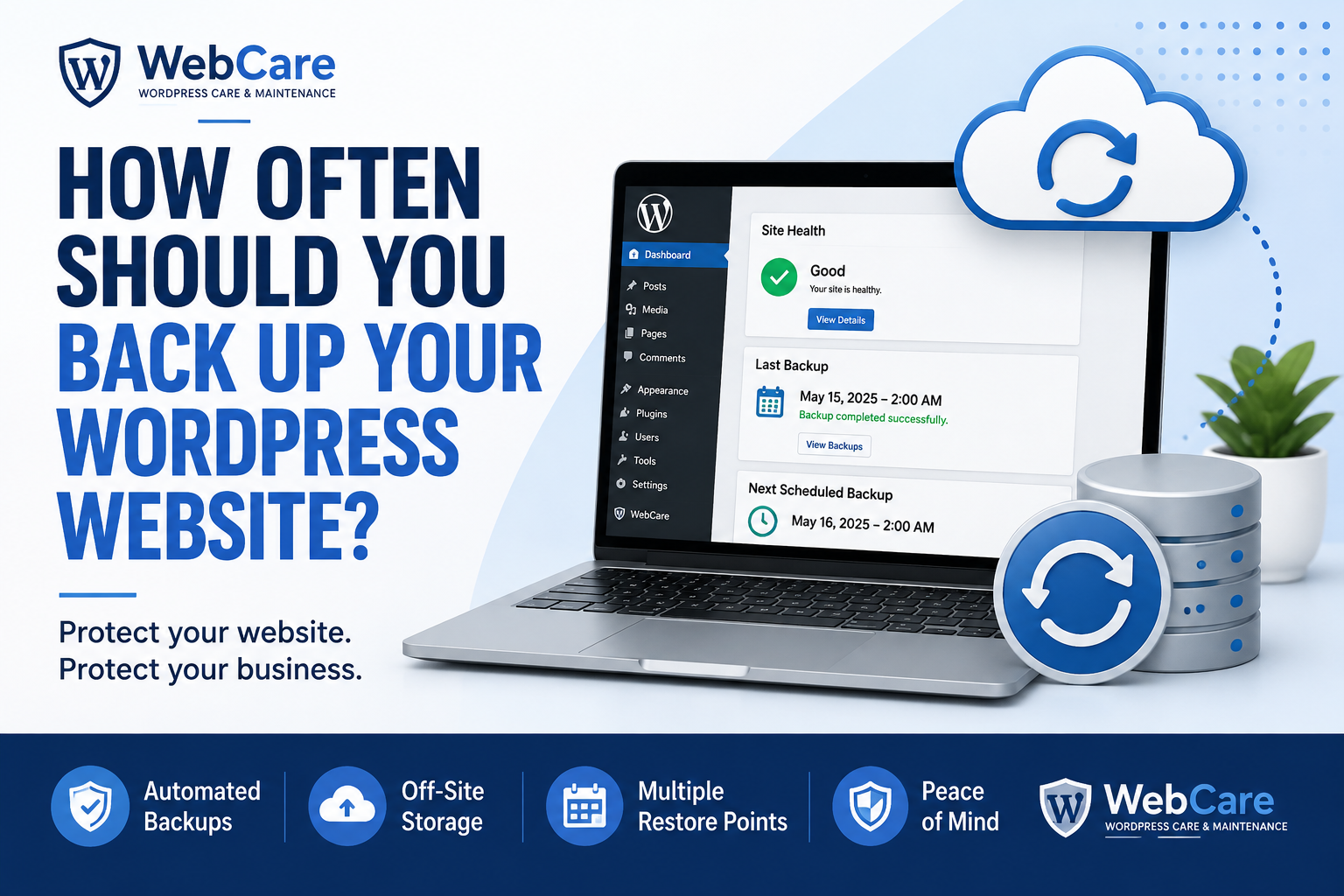
Your WordPress website should be backed up often enough that if something goes wrong, you can restore it without losing important content, customer information, or hours of work. For many small-business websites, that means at least weekly backups — and for frequently changing or e-commerce websites, daily or even more frequent backups may be appropriate.
If you’re wondering how often should you back up your WordPress website, the answer depends mainly on how frequently your website changes and how much recent information you could afford to lose.
Most website owners don’t think much about backups until they need one. Knowing how often you should back up your WordPress website can make the difference between a quick recovery and losing important work. Unfortunately, that’s usually after an update fails, a website is hacked, a file is accidentally deleted, or something else has already gone wrong.A reliable backup gives you something extremely valuable: a way to turn back the clock and restore your website to a working version.
Why Are WordPress Backups So Important?
Your WordPress website isn’t just a collection of pages. It can contain your website design, images, blog posts, plugin settings, contact forms, customer information, comments, and other data your business depends on.
If that information is damaged or lost, rebuilding it may take considerably longer than restoring a good backup.
A backup can become important after problems such as:
- A WordPress core, theme, or plugin update causes a problem.
- A plugin conflicts with another part of your website.
- Your website is compromised or hacked.
- Files are accidentally deleted or changed.
- A database becomes damaged.
- A hosting or server problem affects your website.
- You make a website change that doesn’t work as expected.
This is also why backups are an important part of regular WordPress website maintenance. Updates, monitoring, security and backups work together to help keep a website reliable.
How Often Should You Back Up WordPress?
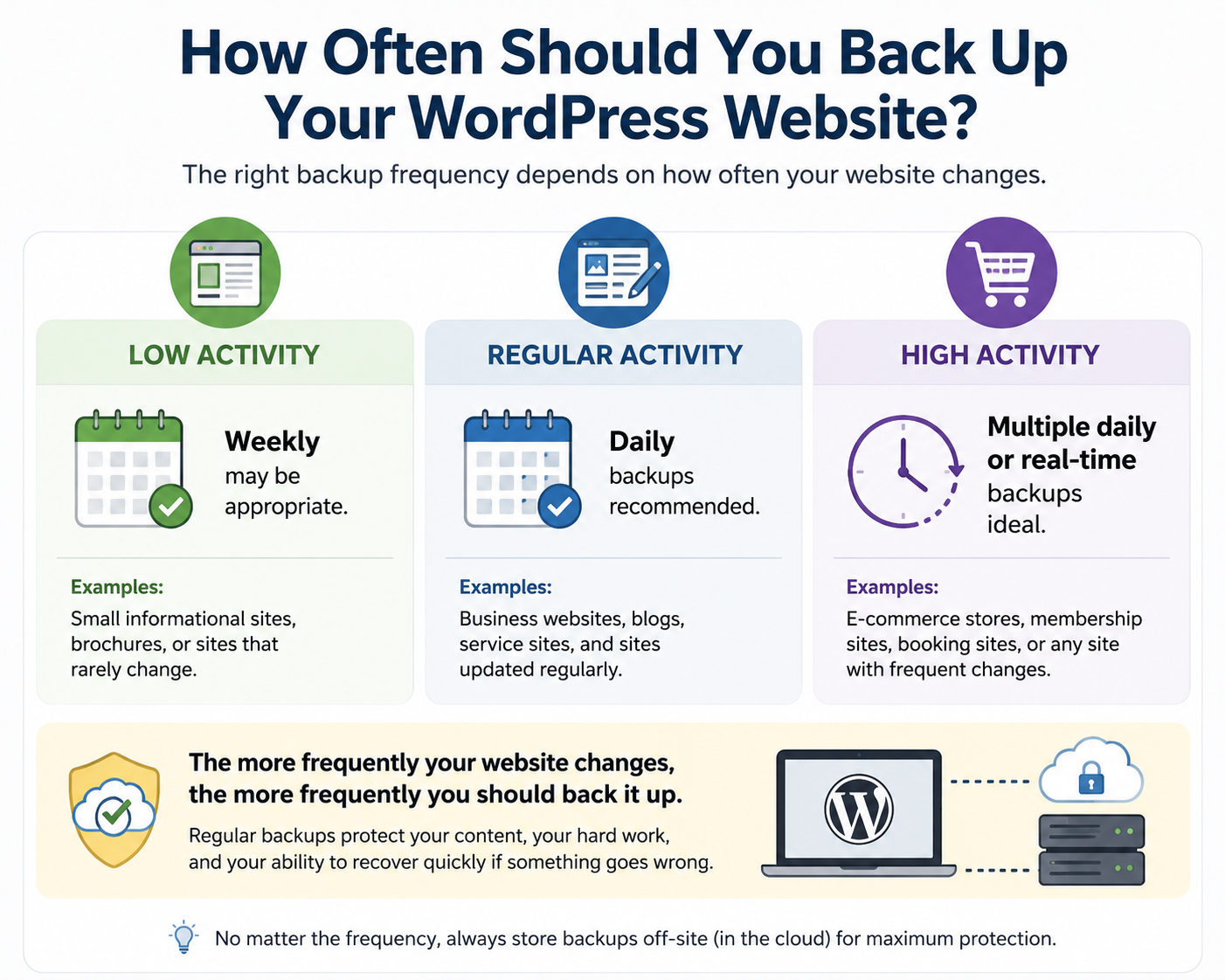
There isn’t one backup schedule that’s right for every website. When asking how often should you back up your WordPress website, a useful rule is to consider how much website information you could afford to lose.
If losing a week’s worth of changes would be a serious problem, weekly backups aren’t frequent enough.
| Type of Website | Typical Backup Frequency |
|---|---|
| Small brochure or informational website that rarely changes | Weekly may be sufficient |
| Active small-business website or regularly updated blog | Daily backups provide better protection |
| Busy website with frequent content changes | Daily or multiple backups per day |
| E-commerce or other frequently changing website | Multiple daily backups may be appropriate |
A Simple Way to Decide
Back Up Before Important WordPress Updates
Think about everything that changes on your website between backups. If you had to restore yesterday’s backup right now, what would disappear?The more frequently important information changes, the more frequently the website should generally be backed up.
Back Up Before Important WordPress Updates
Regular automatic backups are important, but there are also times when an additional backup makes sense.
Before making significant changes to WordPress, your theme, or important plugins, having a recent backup gives you a recovery point if the change causes unexpected problems.
That doesn’t mean WordPress updates should be avoided. Keeping software current is an important part of website maintenance and security. WordPress also recommends creating a backup before upgrading, as explained in the official WordPress upgrade documentation.
I explain this in more detail in How Often Should You Update Your WordPress Website?
Don’t Keep Your Only Backup on Your Website
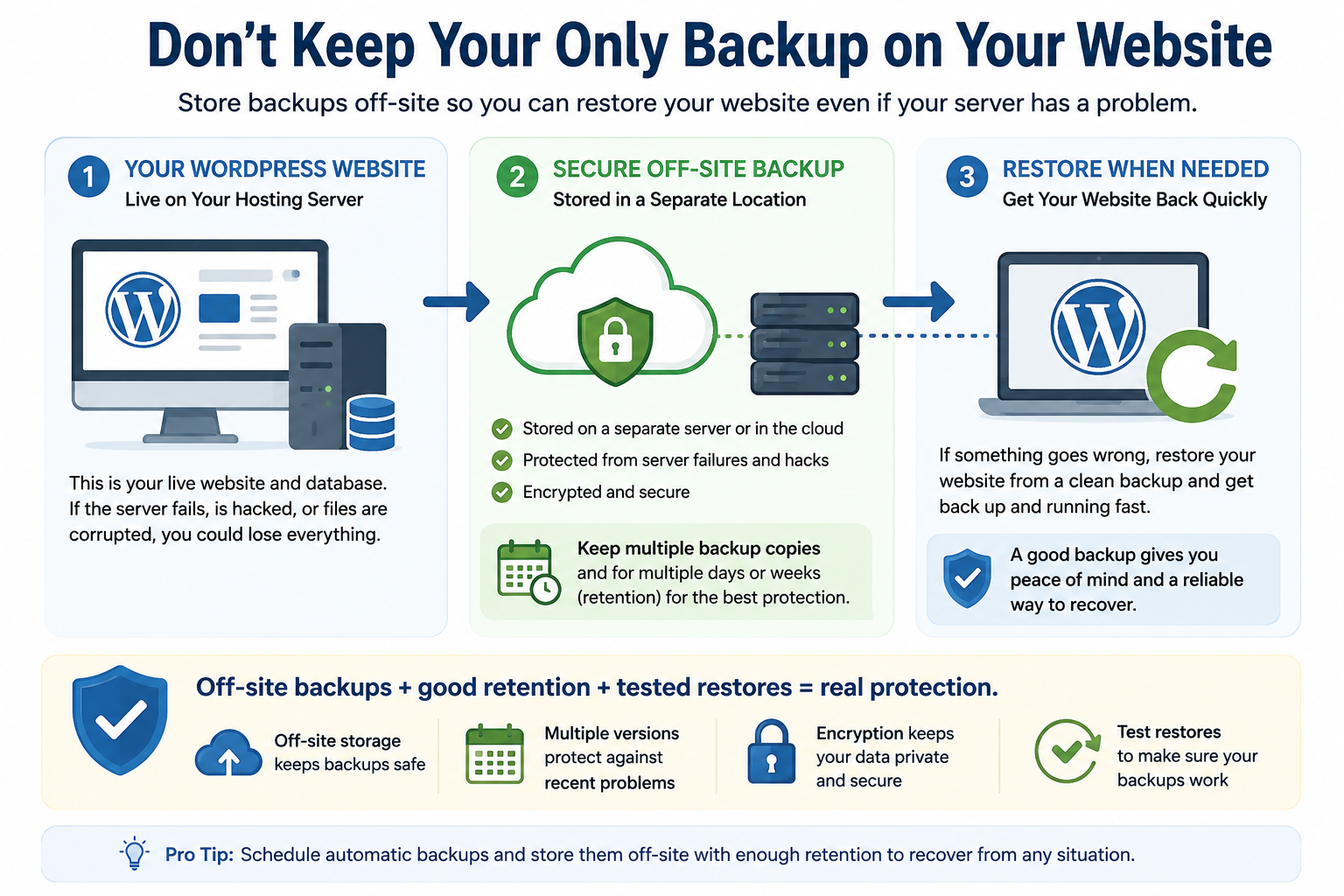
One of the most important parts of a good backup strategy is where the backups are stored.
If your only backup is stored on the same hosting account as your live website, one serious hosting, security, or account problem could potentially affect both the website and the backup you were counting on.
That’s why off-site backups are valuable. A copy stored separately from the live website gives you another recovery option if something happens to the hosting environment itself.
How Long Should WordPress Backups Be Kept?
Keeping only the newest backup can create another problem.
Some website problems aren’t discovered immediately. You might notice today that something stopped working several days or even weeks ago. If every older backup has already been replaced, your only available backup may contain the same problem.
Keeping multiple restore points gives you the ability to go farther back when necessary.
One Backup Isn’t Really a Backup Strategy
A stronger approach combines automatic backups, multiple restore points and off-site storage. The goal isn’t simply to create backup files. The goal is to have a usable copy of your website available when you actually need it.
Can You Actually Restore the Backup?
This is the part that’s easy to overlook.
A backup is useful only if it can successfully restore your website.
Backups should therefore be monitored and the restore process should be understood. Discovering that a backup is incomplete or unusable after the website has already failed is the worst time to find out.
Backups Also Matter After a Website Is Hacked
If a WordPress website is compromised, having clean historical backups can be an important part of recovery.
However, simply restoring a backup isn’t necessarily the entire solution. The cause of the compromise still needs to be identified and addressed so the website isn’t immediately exposed to the same problem again.
If you’re concerned that something may already be wrong, see How Do I Know If My WordPress Website Has Been Hacked?
What Should a Small-Business Owner Do?
If you’re deciding how often should you back up your WordPress website, consider how frequently your content, customer information, orders, forms, or other important data changes.
For most small-business owners, the goal isn’t to spend time manually downloading WordPress backups every few days.A better system is one where:
- Backups happen automatically.
- They run frequently enough for the type of website you operate.
- Copies are stored away from the live website.
- Multiple restore points are retained.
- The backups are monitored.
- There is a clear way to restore the website when necessary.
That turns backups from something you have to remember into part of an ongoing website-care system.
The Bottom Line
So, how often should you back up your WordPress website?
The answer to how often you should back up your WordPress website depends largely on how frequently the site changes. For a small website that changes infrequently, weekly backups may be enough. For an active business website, daily backups provide stronger protection. And for e-commerce or frequently changing websites, multiple backups per day may make sense.
The most important thing is that backups happen consistently, are stored safely, and give you a practical way to recover your website when something goes wrong.
How often should you back up your WordPress website? For a small website that changes infrequently, weekly backups may be enough. For an active business website, daily backups provide stronger protection. For e-commerce or frequently changing websites, multiple backups per day may make sense.
How Healthy Is Your WordPress Website?
Start with a free WebCare Website Audit. I’ll check your website for important maintenance, security and site-health concerns and show you what deserves attention.
Run My Free Website Audit
Leave a Reply