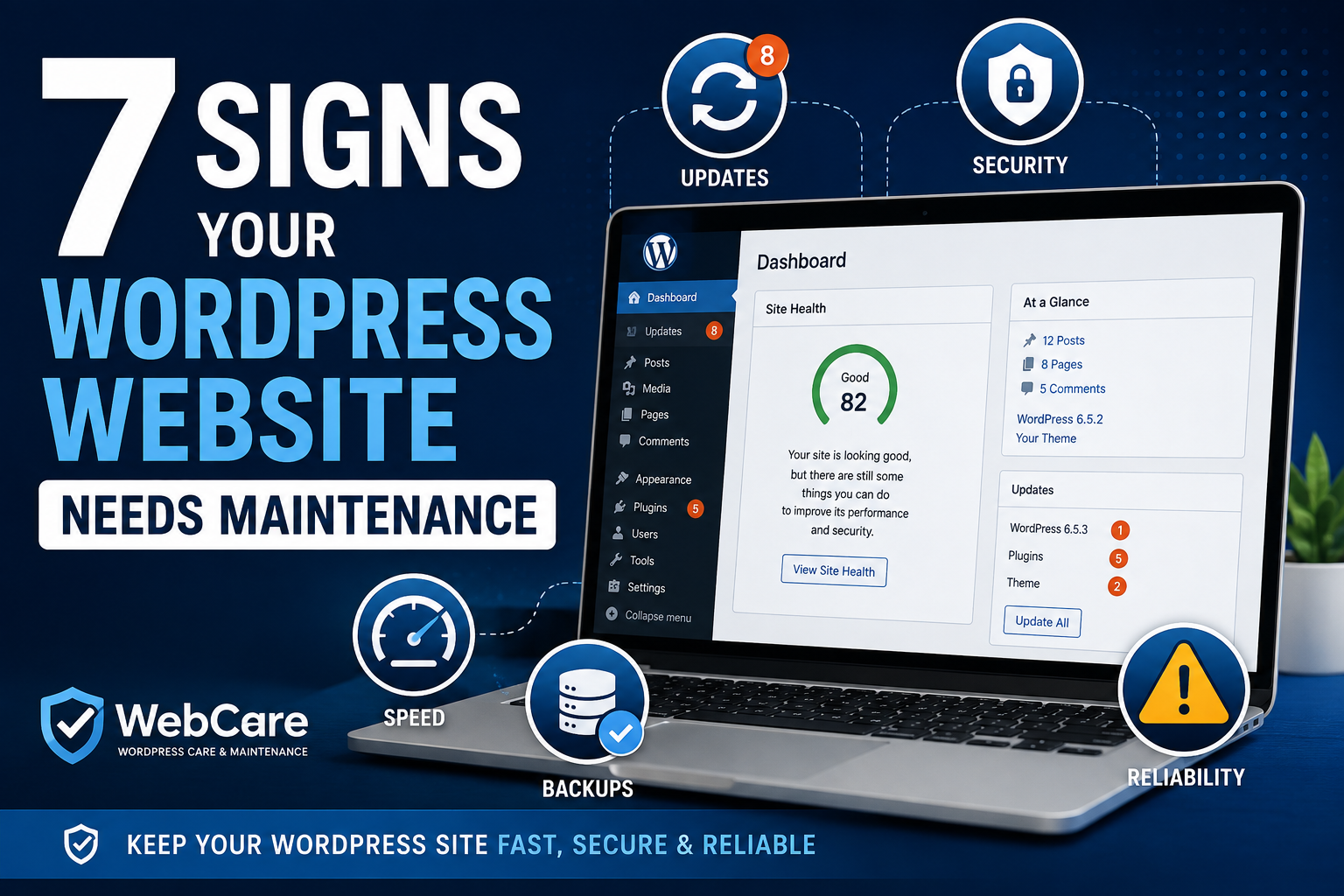
Your WordPress website may look fine on the surface while problems are quietly building behind the scenes. Regular WordPress website maintenance helps keep your site secure, fast, reliable, and ready for visitors. Without it, small issues can eventually turn into broken pages, security problems, lost data, or an expensive repair job.
The good news is that your website will often give you warning signs before something serious happens. Here are seven signs that it may be time to give your WordPress site some attention.
1. Your WordPress Website Is Getting Slower
A website that once loaded quickly but now feels sluggish is one of the most noticeable signs that maintenance may be overdue.
WordPress sites can slow down for many reasons. Plugins may accumulate unnecessary data, images may be too large, databases can become cluttered, caching may not be working properly, or your site may simply have more content than it did when it was first built.
Site speed matters because visitors do not like waiting. A slow website can lead to people leaving before they ever read your content, fill out a form, or contact your business.
Speed is also part of the overall user experience that search engines evaluate. Google provides guidance about website performance through its Core Web Vitals documentation. That doesn’t mean every site needs a perfect performance score, but it does mean noticeable slowdowns shouldn’t be ignored.
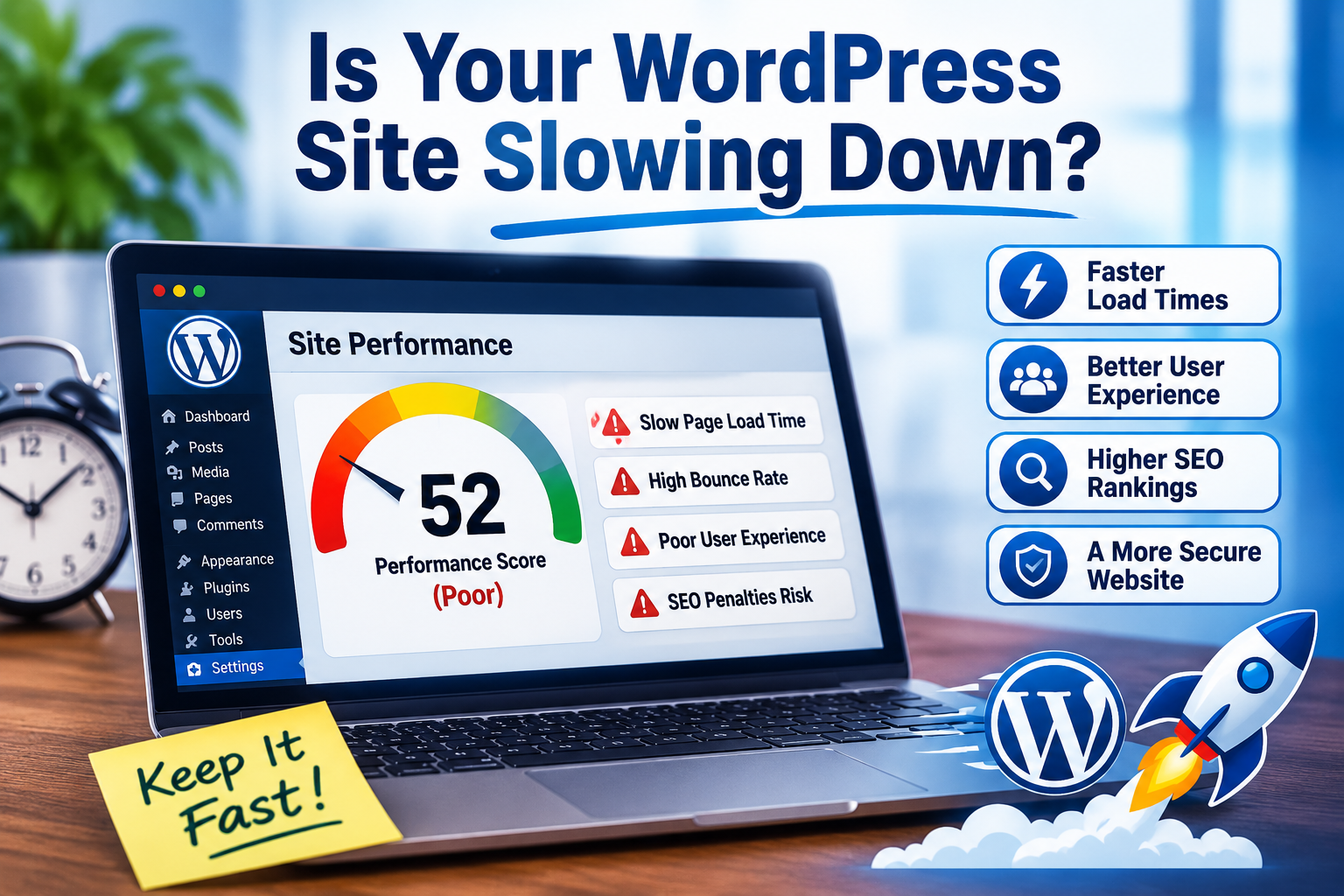
If your WordPress site has become noticeably slower, it is worth checking your plugins, image sizes, caching, hosting resources, and database health rather than simply accepting the slowdown.
2. You Have a Growing List of WordPress Updates
When you log into WordPress and see updates waiting for the WordPress core, plugins, or themes, it can be tempting to keep clicking “later.”
That becomes risky when those updates start piling up.
Updates don’t only add new features. Developers regularly release updates to fix bugs, improve compatibility, address performance problems, and patch security vulnerabilities.
At the same time, blindly updating everything without a backup or checking the site afterward isn’t ideal either. Occasionally, an update can conflict with another plugin, your theme, or custom code.
A good WordPress website maintenance routine includes creating or confirming a recent backup, installing appropriate updates, and then checking the website to make sure everything still works correctly.
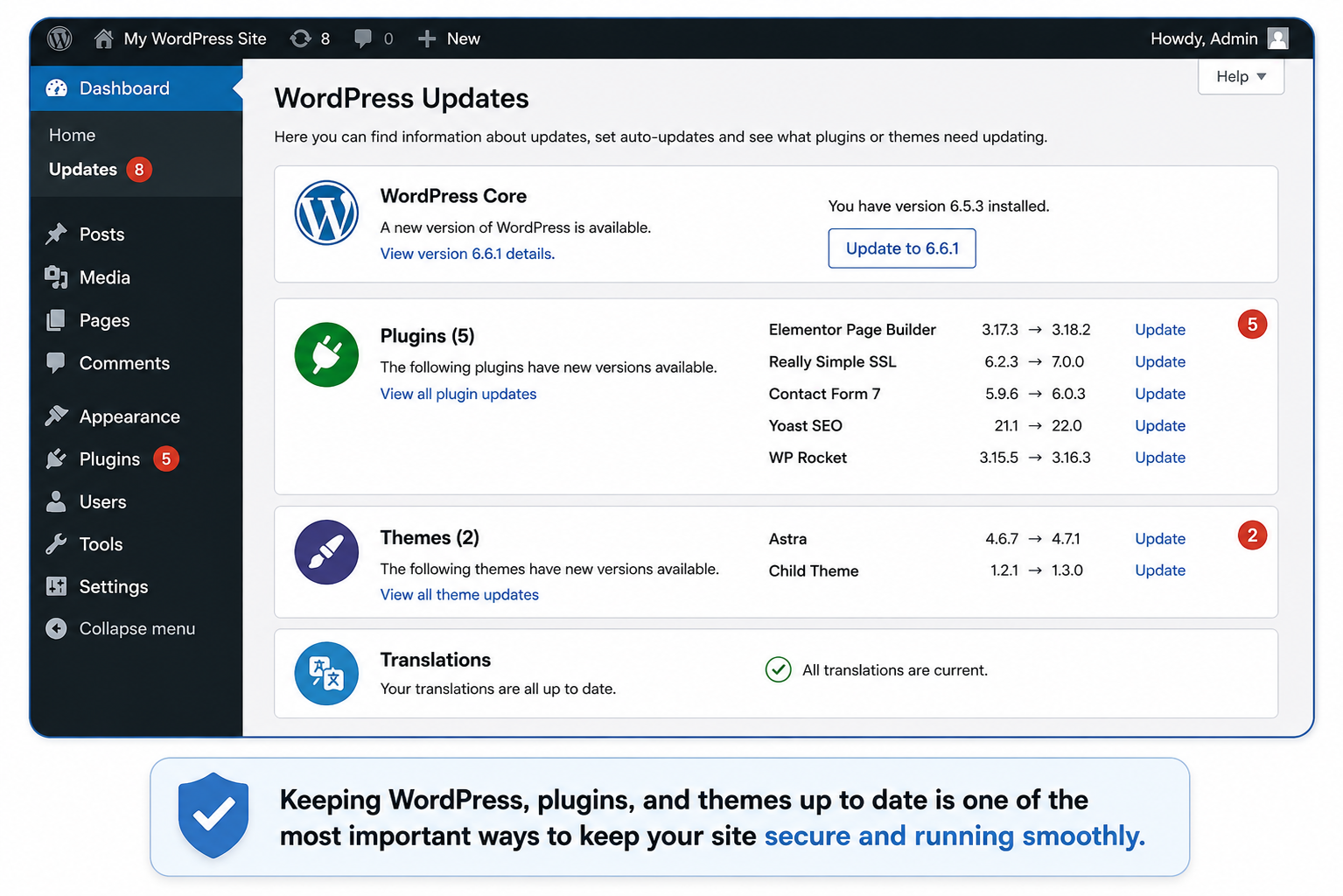
If you regularly see a large number of pending updates when you enter your dashboard, your website probably needs a more consistent maintenance schedule.
You can also read my guide on WordPress maintenance for a broader look at why ongoing care is important.
3. You Keep Seeing Errors or Things That Used to Work Stop Working
Small WordPress problems are easy to put off.
A contact form stops sending email. A button no longer works. An image is missing. Part of a page looks different on mobile. You occasionally see an error message in the dashboard.
Individually, these issues may not seem serious. But recurring problems can be a sign of outdated software, plugin conflicts, PHP compatibility issues, failed updates, or other underlying problems.
Websites also change even when you don’t intentionally change them. Browsers are updated, WordPress evolves, plugins change, hosting environments change, and third-party services modify their systems.
That’s why a website that worked perfectly a year ago isn’t guaranteed to work perfectly today without some attention.
Regularly checking important pages, forms, navigation, and mobile layouts can catch these problems before customers find them first.
4. You Are Seeing Security Warnings or Suspicious Activity
Security warnings should never be treated as routine background noise.
Signs of a possible problem might include unexpected administrator accounts, unusual login attempts, unfamiliar files, strange redirects, spam pages appearing in search results, security plugin alerts, or changes you know you didn’t make.
Even if your website has not been compromised, outdated plugins or themes can create unnecessary security exposure.
WordPress itself is widely used and actively maintained, but every additional plugin and theme adds software that also needs to be maintained. A plugin that hasn’t been updated in years deserves closer inspection.
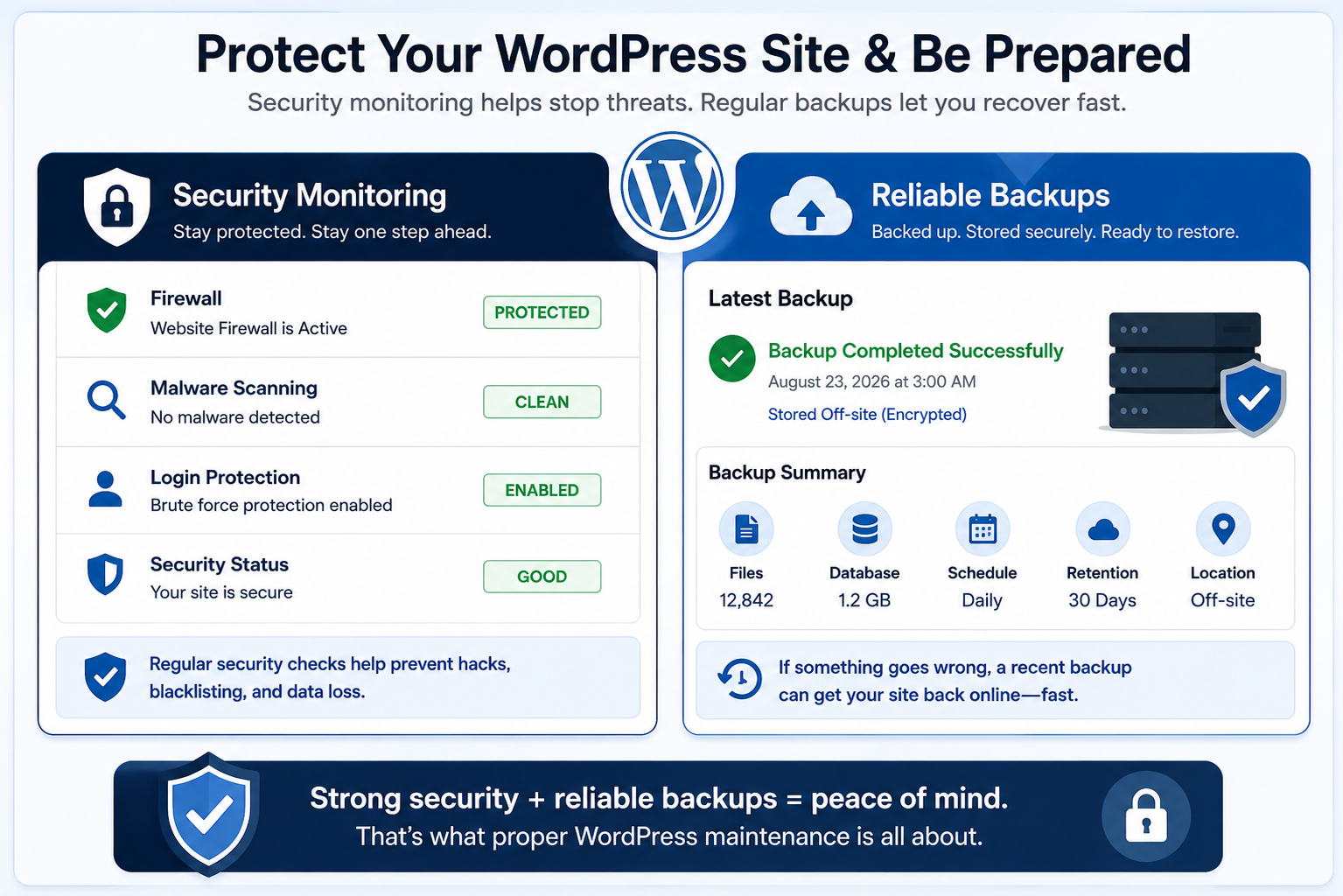
Website security is one of the biggest reasons I believe maintenance needs to be ongoing rather than something done only after a problem appears.
Years ago, I had one of my own websites hacked. I wasn’t able to recover it properly and eventually had to rebuild the site from scratch. That experience is one of the reasons I take backups, updates, and preventative website care seriously today.
5. You’re Not Sure Whether Your Website Is Being Backed Up
Here’s a simple question every WordPress website owner should be able to answer:
If my website disappeared tonight, could I restore it?
If your answer is “I think so” or “I’m not sure,” that’s a maintenance warning sign.
A backup is only useful if it exists, is reasonably current, contains the information you need, and can actually be restored.
Ideally, backups should also be stored somewhere other than only on the same hosting account as the live website. If the hosting account itself has a serious problem, an off-site backup gives you another recovery option.
The right backup frequency depends on the website. A simple informational site that rarely changes might not need the same backup schedule as an online store, membership site, or active website receiving new orders and data every day.
A reliable WordPress website maintenance plan should include regular backups instead of discovering after a failure that there was never a usable backup available.
6. You Find Broken Links, Missing Images, or Layout Problems
Websites naturally develop small problems over time.
You may delete a page and forget that another page links to it. An external website you linked to may remove its content. An image might be deleted from the media library. A plugin update might affect a page layout.
These issues can hurt the visitor experience and make an otherwise professional website feel neglected.
Pay special attention to important areas such as:
- Your homepage
- Navigation menus
- Contact forms
- Call-to-action buttons
- Pricing or service pages
- Checkout pages, if applicable
- Mobile layouts
You don’t need to inspect every page every day. But periodic website checks are a useful part of WordPress website maintenance because they catch problems that automated updates alone won’t find.
7. You Only Look at Your Website When Something Goes Wrong
This may be the biggest warning sign of all.
Many website owners build a WordPress site, get everything working, and then rarely log in again unless there’s a problem.
That’s understandable. If you’re running a business, managing a website probably isn’t what you want to spend your day doing.
But WordPress isn’t really a “set it and forget it” system.
Software needs updates. Backups need verification. Security needs monitoring. Performance can change. Plugins can become abandoned. Forms can stop working. SSL certificates and hosting environments can experience issues.
Regular maintenance doesn’t mean constantly changing your website. In fact, good maintenance is often the opposite: keeping things stable so you don’t have to deal with unexpected emergencies.
How Often Should You Perform WordPress Website Maintenance?
There isn’t one schedule that fits every website, but basic maintenance should happen consistently rather than once or twice a year.
Updates and security issues may need attention frequently. Backups should run according to how often the website changes. Performance, forms, and important pages should be checked periodically.
A small informational site may require relatively little work. A busy business site, online store, or site containing frequently changing data needs closer monitoring.
The important part is having a routine.
Preventive Maintenance Is Easier Than Emergency Repair
Most website owners don’t think much about maintenance when everything is working. The value becomes much more obvious when a site suddenly breaks, becomes infected, loses data, or stops generating leads.
Preventive WordPress website maintenance cannot guarantee that a website will never experience a problem. Nothing can.
What it can do is reduce unnecessary risk, catch problems earlier, and make recovery much easier when something does go wrong.
Think of it like maintaining a car. You don’t change the oil because the engine has already failed. You do it to reduce the chances of the engine failing in the first place.
Frequently Asked Questions About WordPress Website Maintenance
Does WordPress really need regular maintenance?
Yes. WordPress core, themes, and plugins are continuously updated. Regular maintenance helps keep those components current while also checking backups, security, performance, and website functionality.
Can I maintain my WordPress website myself?
Absolutely. Many website owners handle their own maintenance. The important thing is to have a reliable process that includes backups before important changes, safe updates, security monitoring, and checks after updates are completed.
What happens if I don’t update WordPress?
Your website may continue working for some time, but outdated software can eventually create compatibility, performance, and security problems. The longer updates are ignored, the more difficult future maintenance can become.
Will website maintenance improve my SEO?
Maintenance by itself does not guarantee higher search rankings. However, keeping a website fast, functional, secure, mobile-friendly, and free of broken pages supports a better user experience and provides a healthier foundation for SEO.
Keep Your WordPress Website in Good Shape
If you’ve noticed one or more of these warning signs, you don’t necessarily have a major website problem. It simply means now is a good time to take a closer look before a small issue becomes something bigger.
WebCare provides ongoing WordPress care including managed updates, backups, uptime monitoring, performance monitoring, vulnerability monitoring, and regular website oversight.
If you’d like to see what may need attention on your website, start with the free WordPress website audit. It can help identify areas worth reviewing without requiring access to your WordPress dashboard.

Leave a Reply